

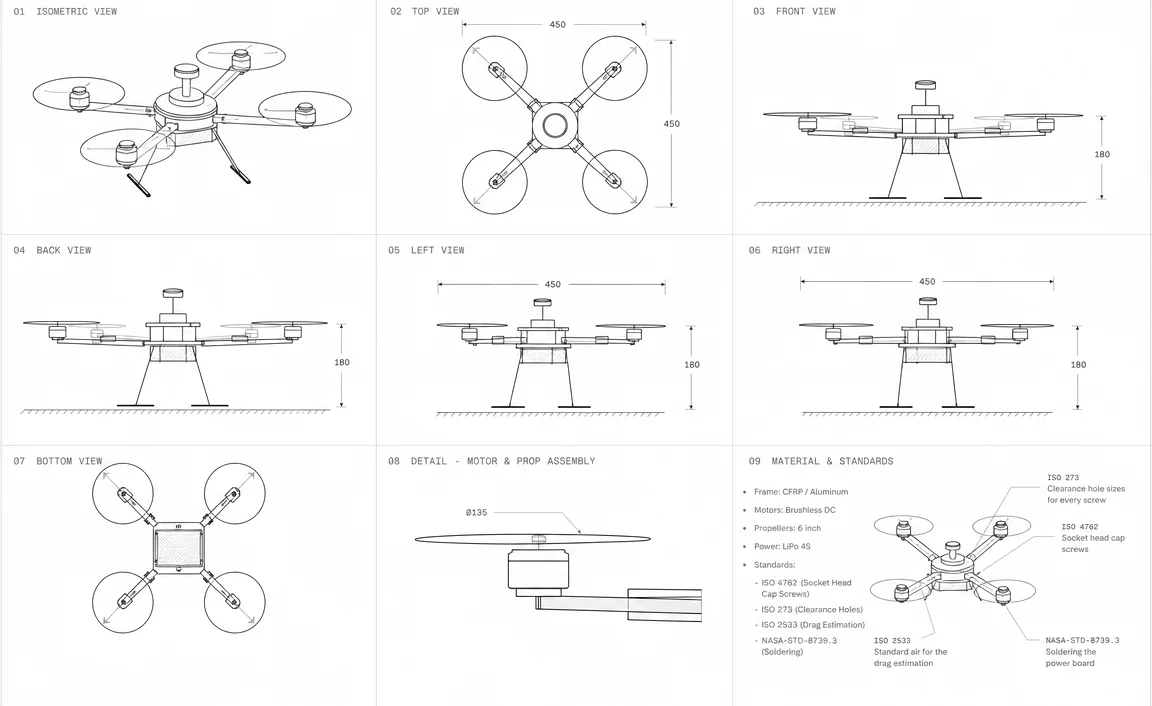
[01/06] F450 / standards
[CNC] Cut a centre plate
Ready. Turn the spindle on, then cut.
Engineering in your browser
Build a real drone in your browser, to real engineering standards.
Design the frame, cut and drill the plates, weld, solder and wire it, then fly it in a physics simulation. Drones, rovers, a humanoid and IoT devices.
[01] Free virtual lab
Your first drone. From parts to flight.
Try the whole process before Premium: build an F450 quadcopter, follow its wiring guide, configure the flight controller, inspect it in 3D and fly it in a simulation.
- [01]Build your F450 quadcopter
- [02]Follow the wiring, pin by pin
- [03]Configure it and inspect the 3D build
- [04]Fly in the physics simulation
Build, wire and fly without signup, hardware or Cogs. Register only when you want to save progress.
Build & fly free[02] Six spaces, one engine
What you build
A frame made in the Workshop goes straight to the STEM Engine to be wired and flown.
- Drones[01]Build a quadcopter, then fly itOpen →
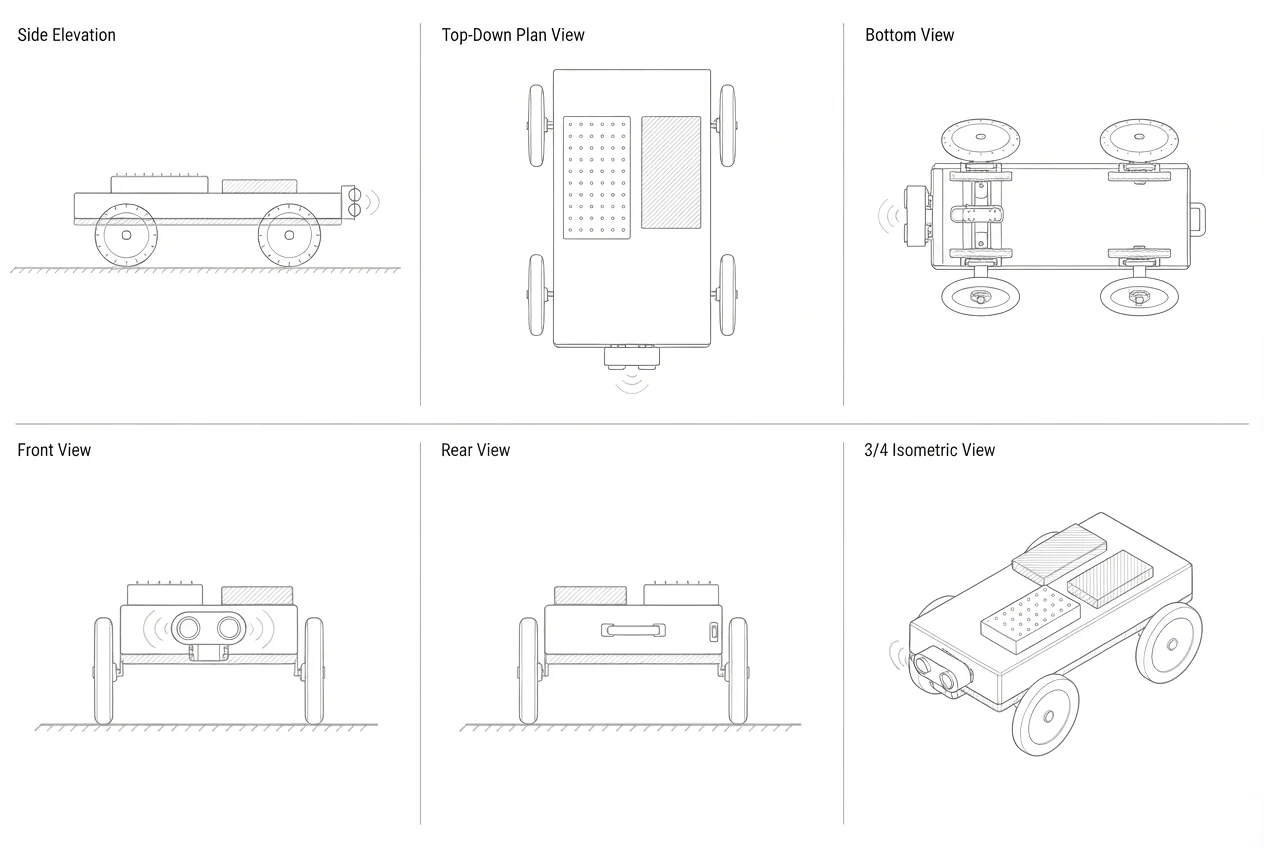
- Rovers[02]Rovers and robot cars, any number of axlesOpen →
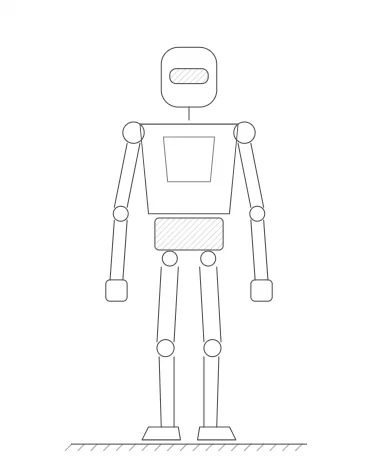
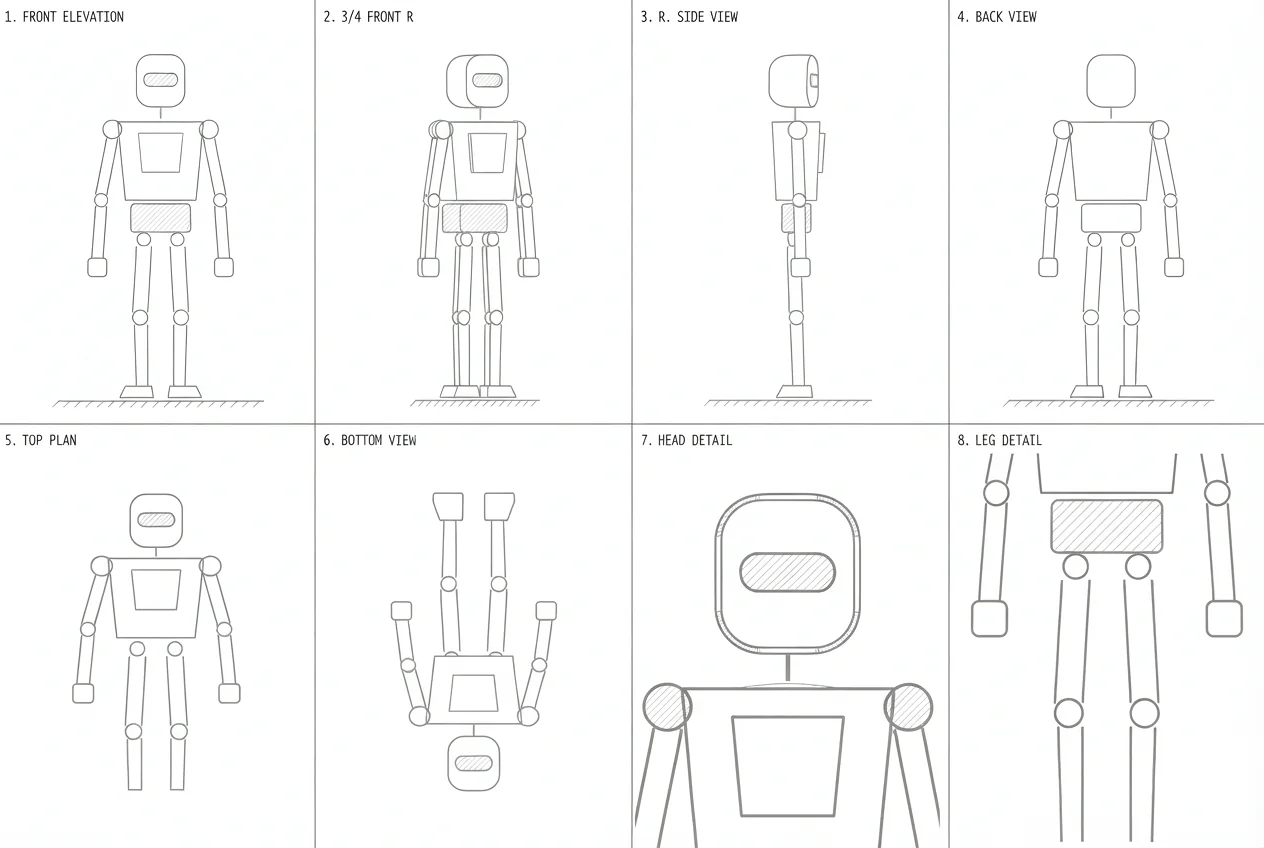
- Humanoid[03]Two open-source humanoid robotsOpen →
- Workshop[04]Cut, drill, weld and solder, the way it is done in a real shopOpen →
- IoT challenges[05]IoT challenges, checked by the same engine that runs themOpen →
- Virtual School[06]A 3D school to meet, learn and fly inOpen →
Start today
Cut your first plate today
Create an account and open the Workshop in your browser, then take a short course to go further.