

Build a quadcopter, then fly it
Start from the DJI F450-class kit or draw your own frame. You cut each plate from the sheet, drill every hole to ISO 273, solder the power board, wire the flight controller, ESCs, motors and battery, and the engine tells you whether it will fly before you arm it.
[01] The build
One drone, from a drawing to its first flight
Every step happens in CognitaSTEM: drawn, cut and printed in the Workshop, wired and checked in the STEM Engine, then flown in the physics sim.
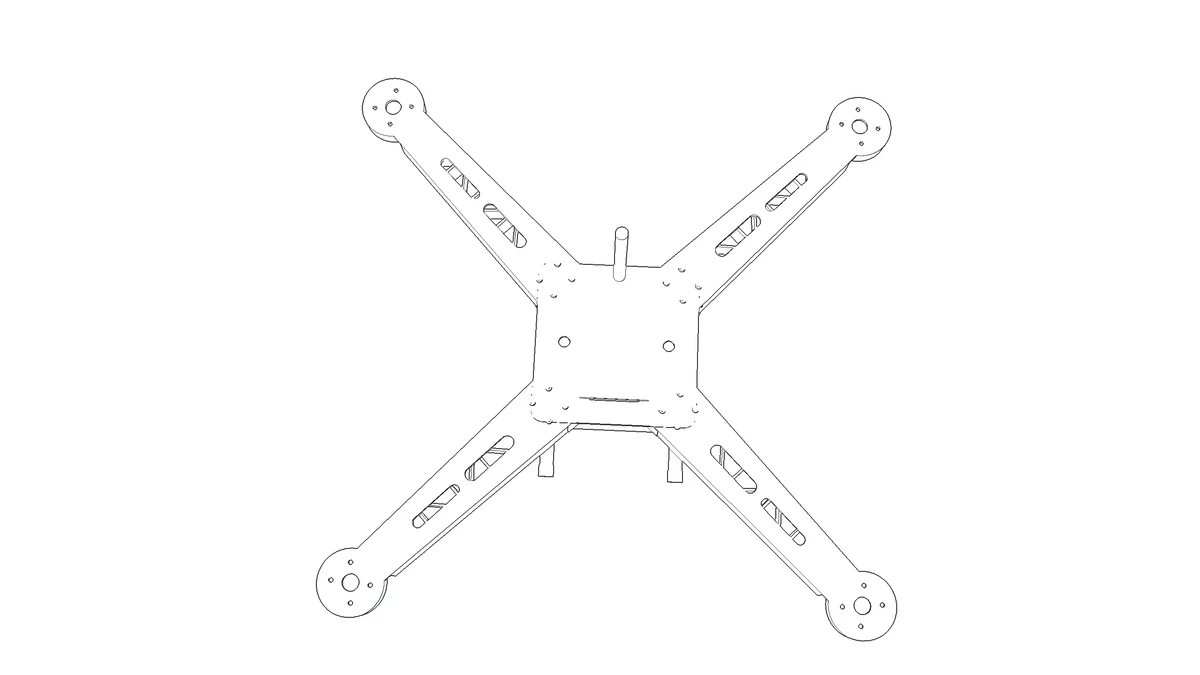 [01]Workshop
Draw the frame
Lay out the F450 plates and arms on the dot sheet, or start from the preset.
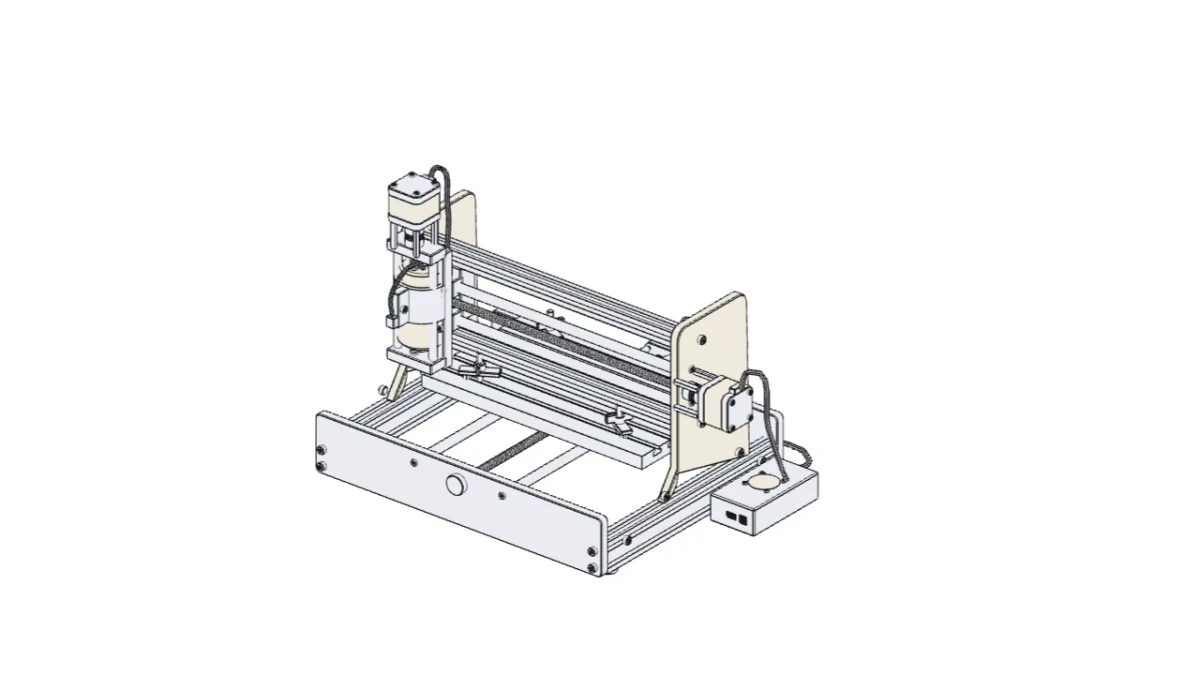 [02]Workshop
Cut the plates
Send the plates to the CNC router and cut them, segment by segment.
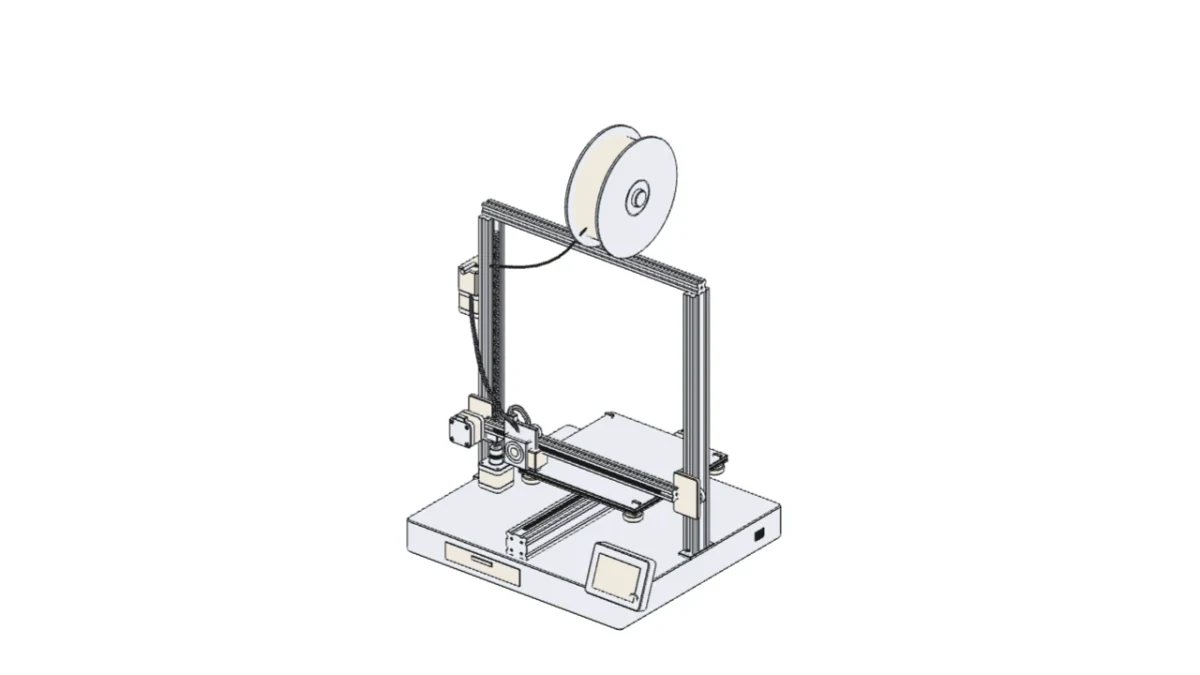 [03]Workshop
Print the parts
Print the mounts and landing gear on the 3D printer.
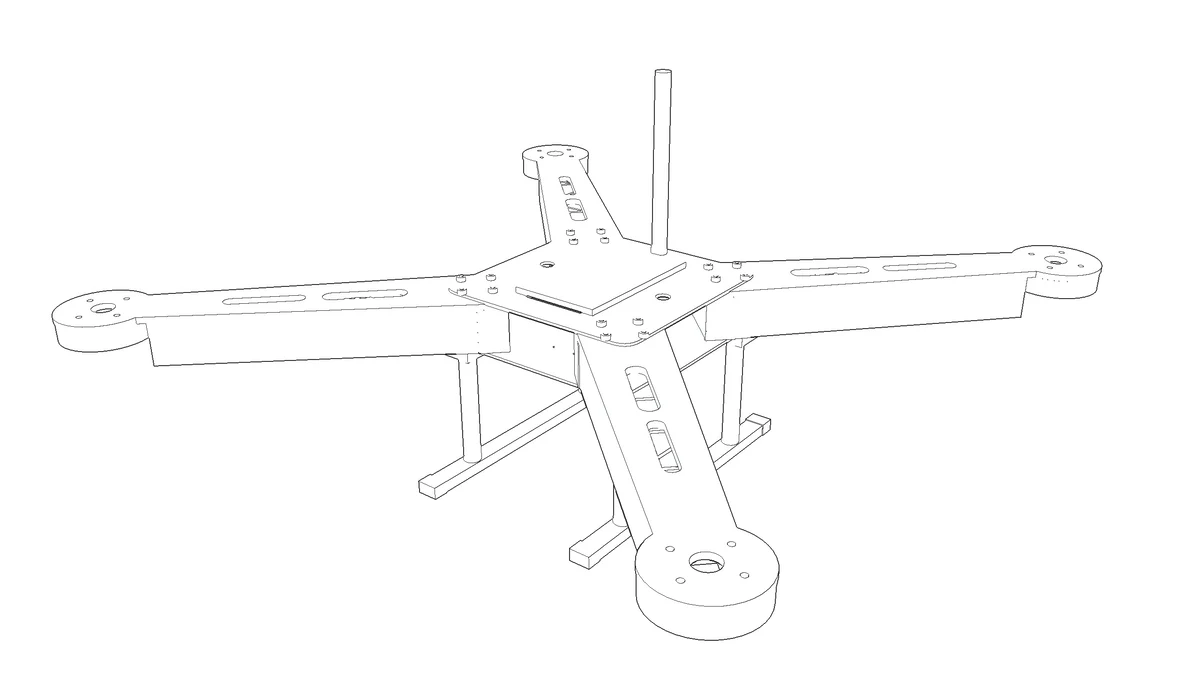 [04]Workshop
Assemble the frame
Drill every hole to ISO 273, then bolt the arms between the plates.
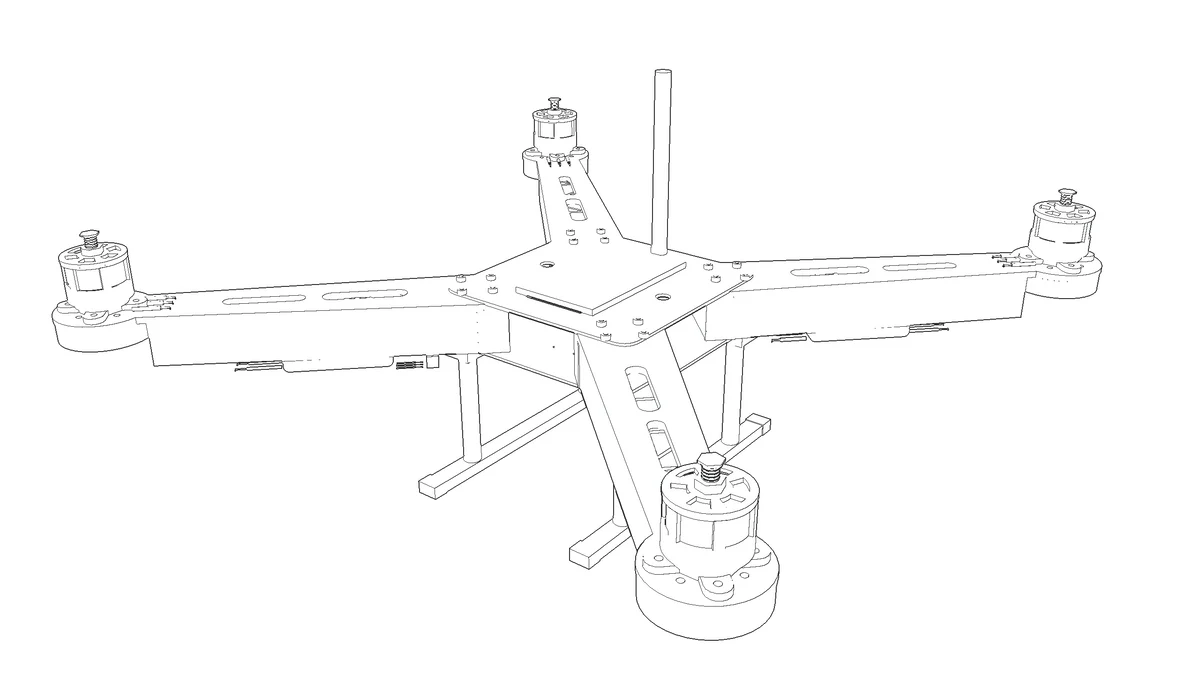 [05]STEM Engine
Motors and ESCs
Mount four 2212 motors, solder each ESC to the power board.
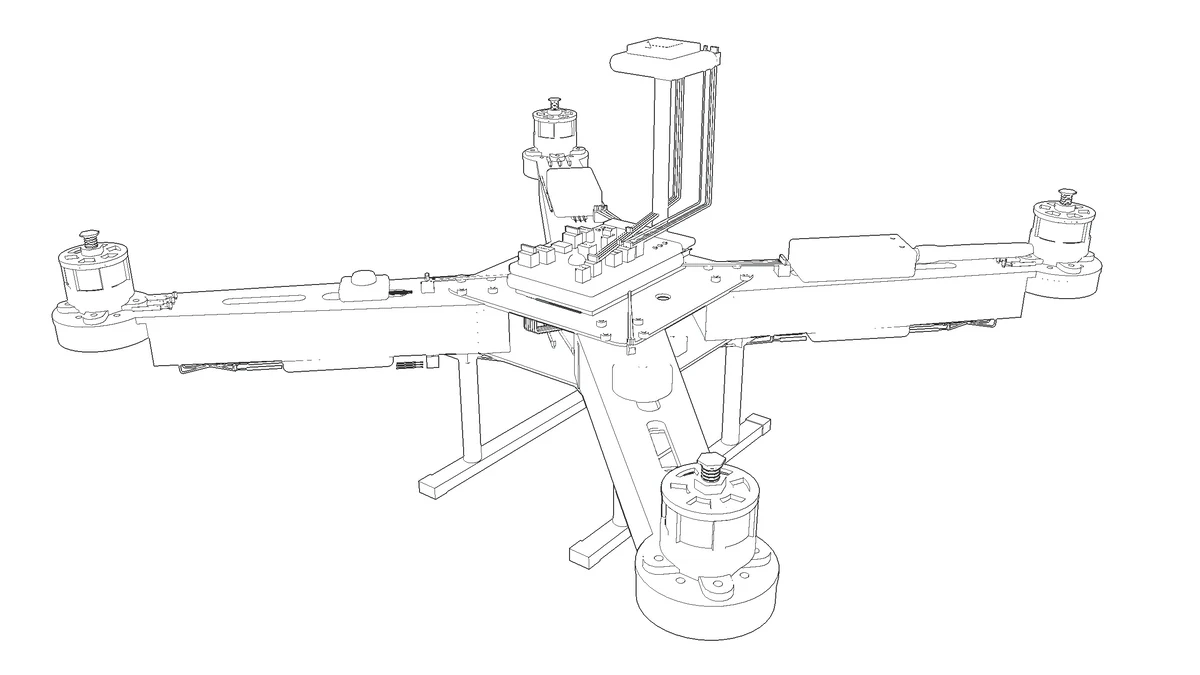 [06]STEM Engine
Wire the flight controller
Flight controller, GPS, receiver and telemetry, every lead to its port.
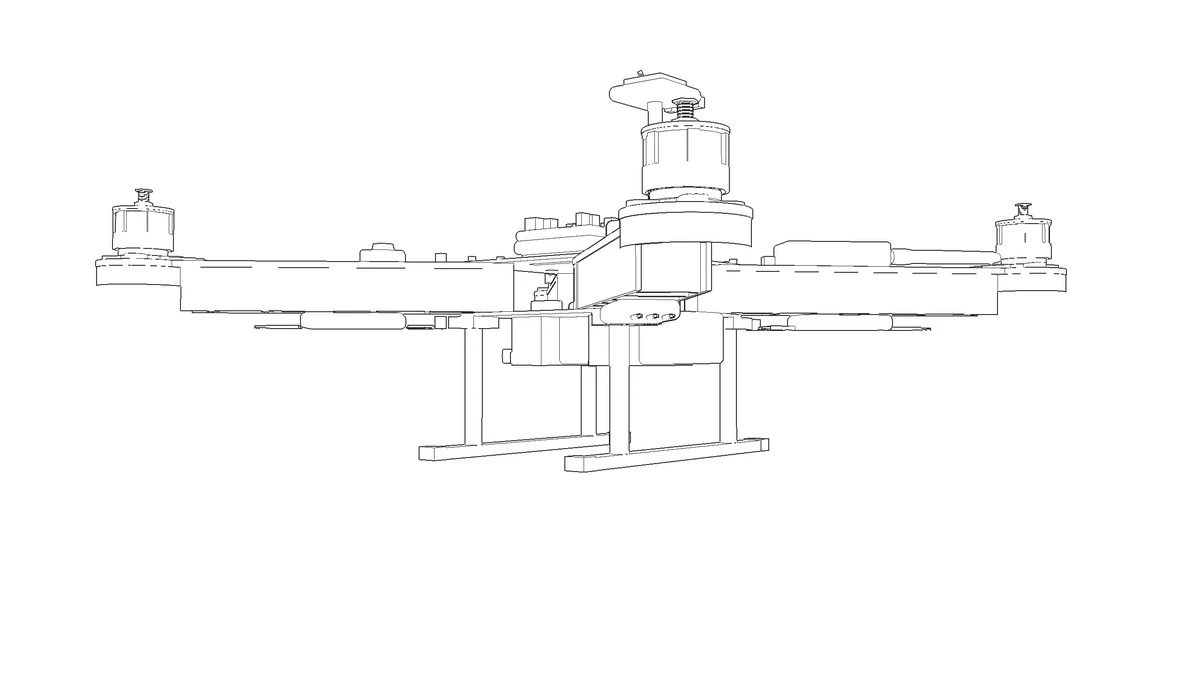 [07]STEM Engine
Power-on check
Strap in the LiPo. The engine names any part or wire that would stop it flying.
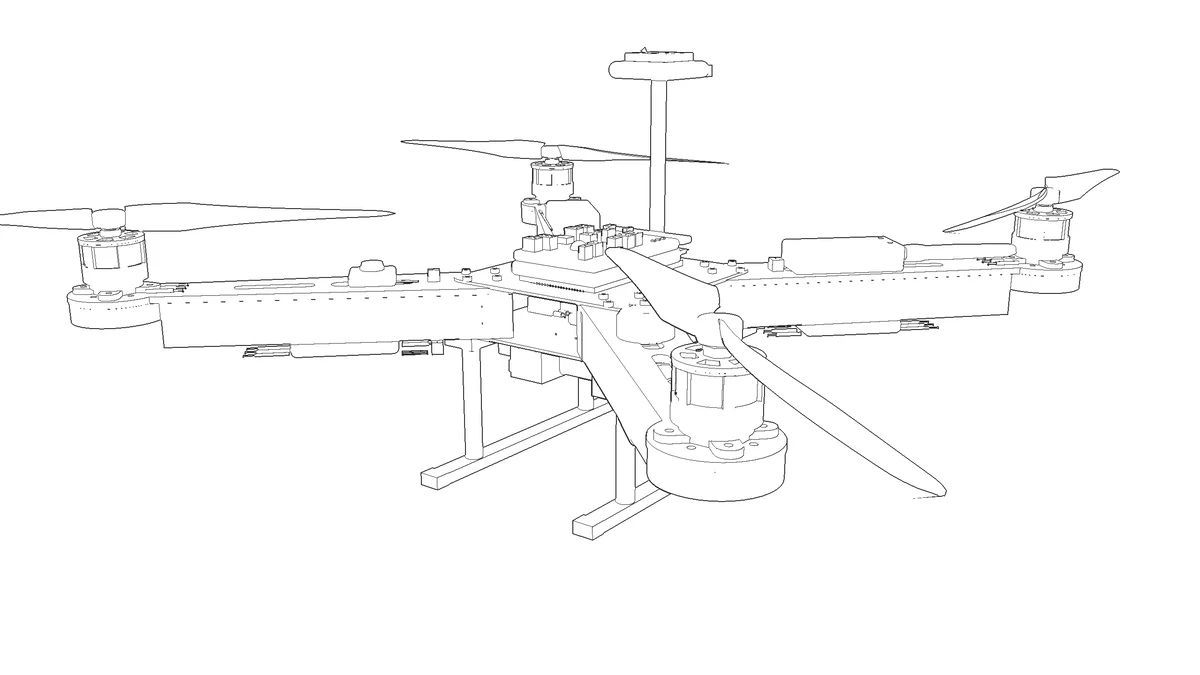 [08]Physics sim
Props on, then fly
Props go on last, CW and CCW. Then arm it and fly it in the physics sim.
[02] Configurations
Four ways to put a drone in the air
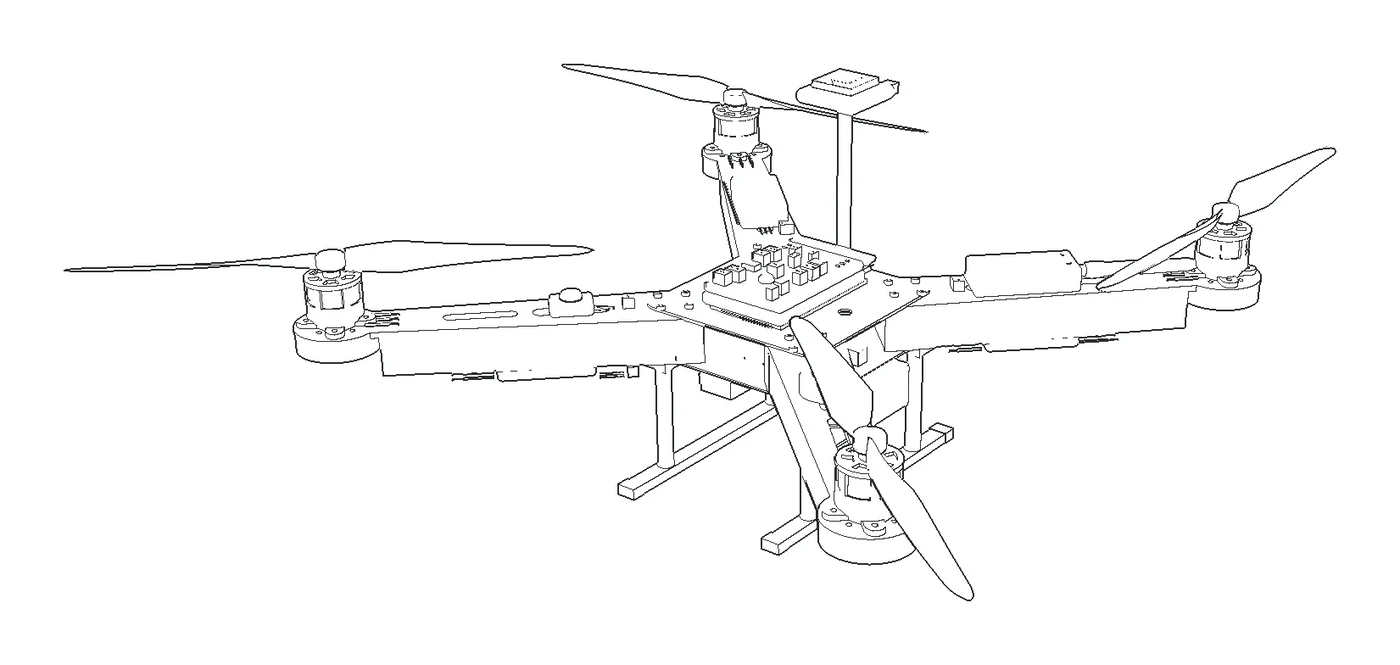
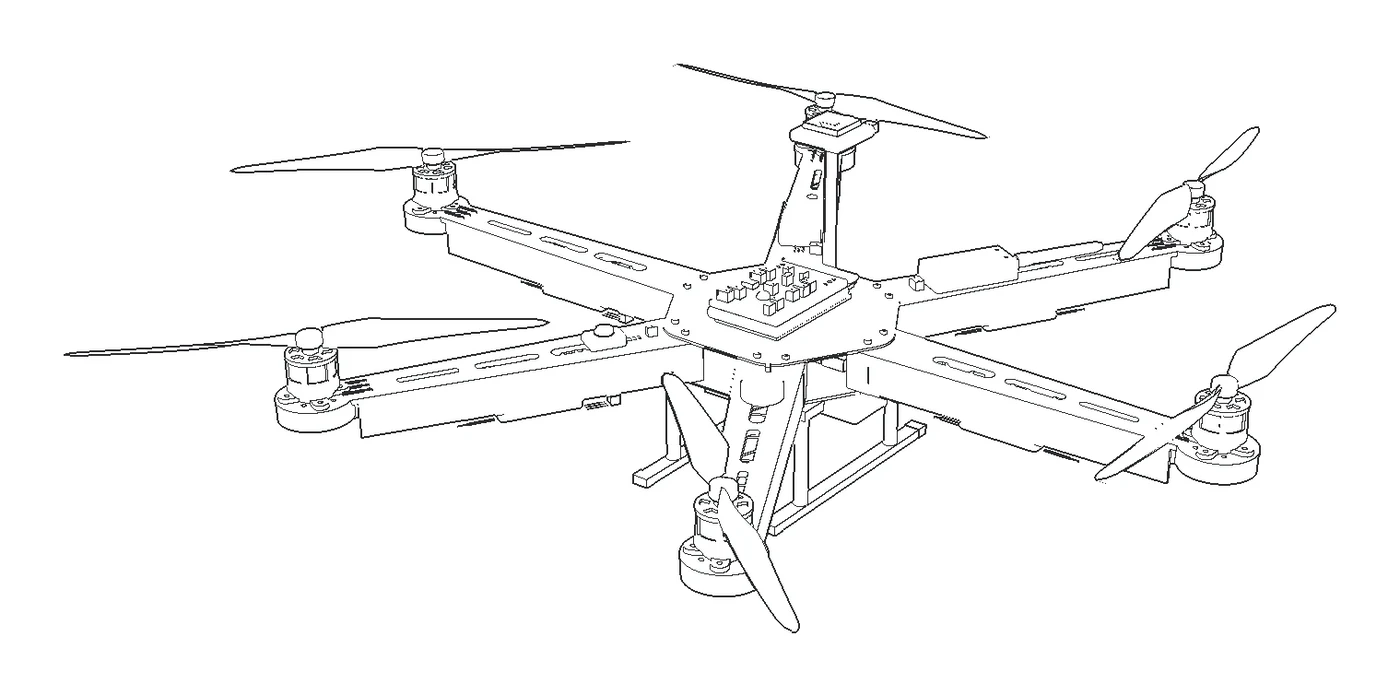
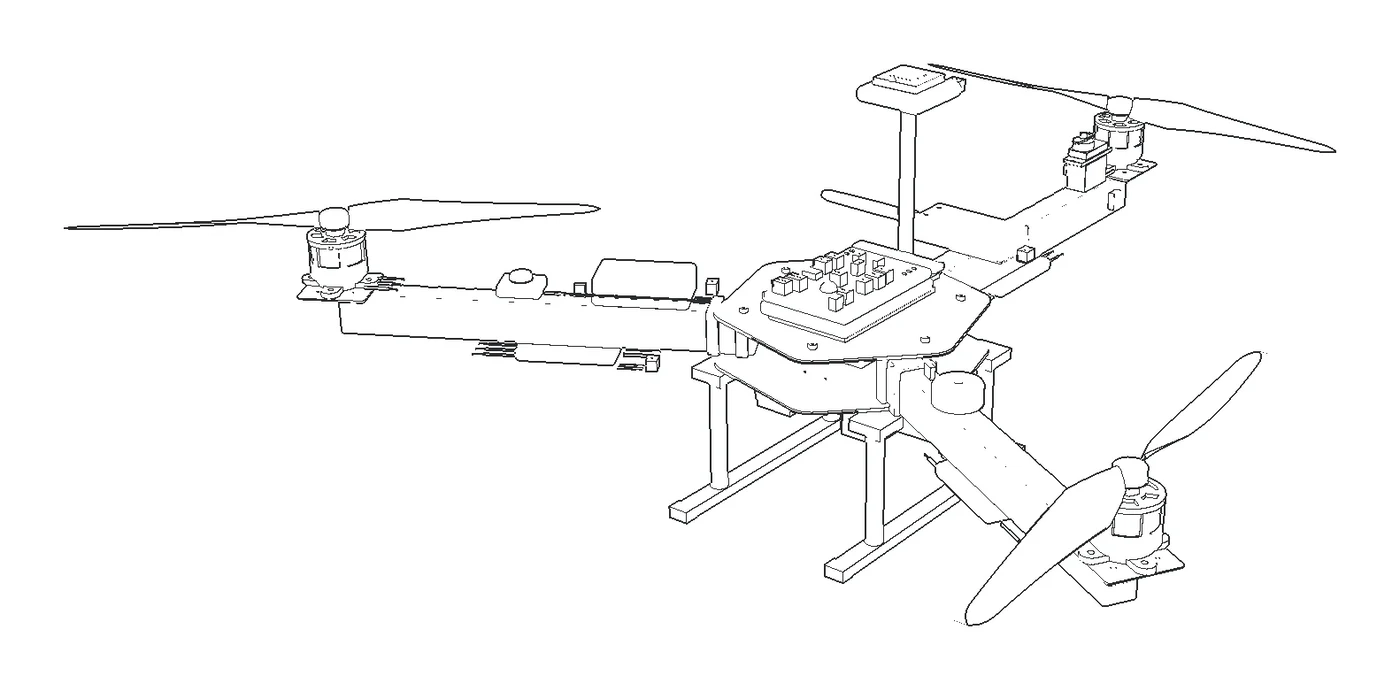
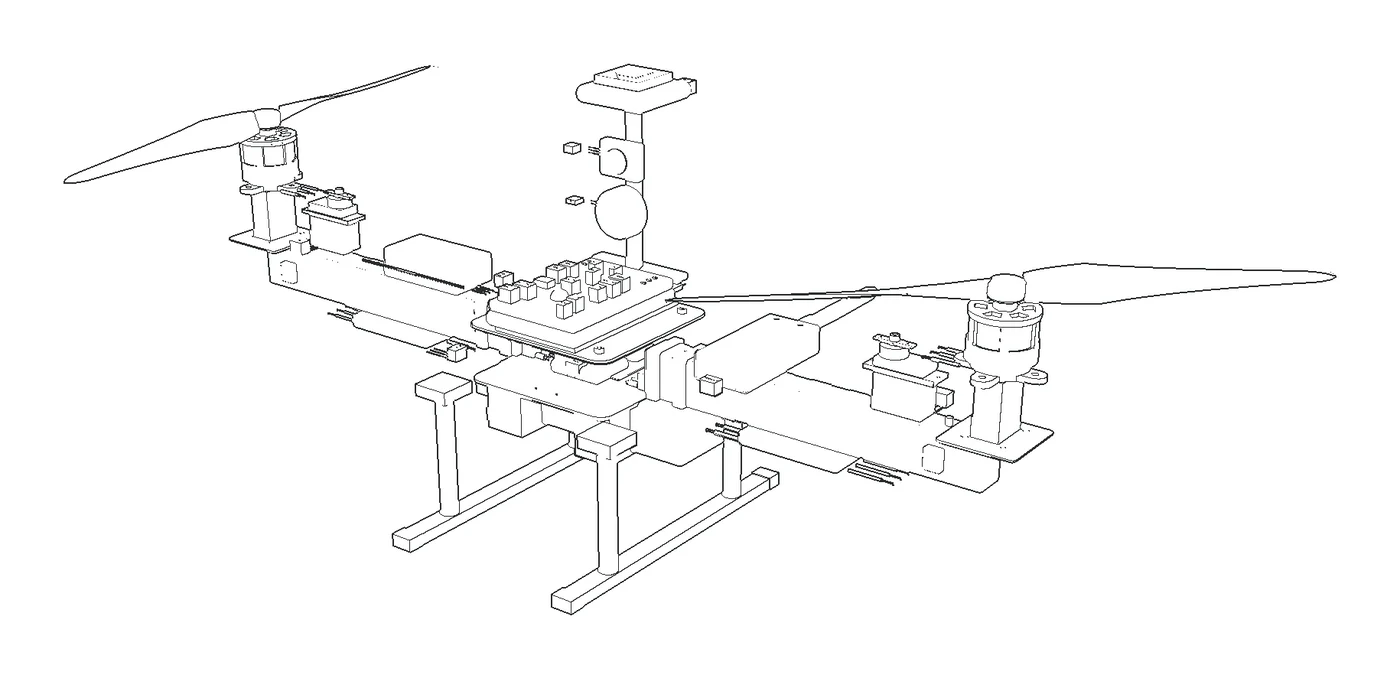
Quad, hexa, tri or bi: pick the airframe and the engine sets the motor order, the spin of every prop and the ArduPilot frame type.
 [01]
[01]Quadcopter X (F450)
4 motors, 450 mm
Diagonal pairs spin the same way, so their torques cancel
 [02]
[02]Hexacopter X (F550)
6 motors, 550 mm
More lift, and it can survive losing a motor
 [03]
[03]Tricopter Y
3 motors and a tail servo
The tail motor tilts to steer the yaw
 [04]
[04]Bicopter
2 motors on tilting servos
Flies like a small V-22
[03] Flight controllers
Five real flight controllers
Each one drawn to its maker's dimensions, with its real ports and pinouts, so the wiring you learn is the wiring on the bench.
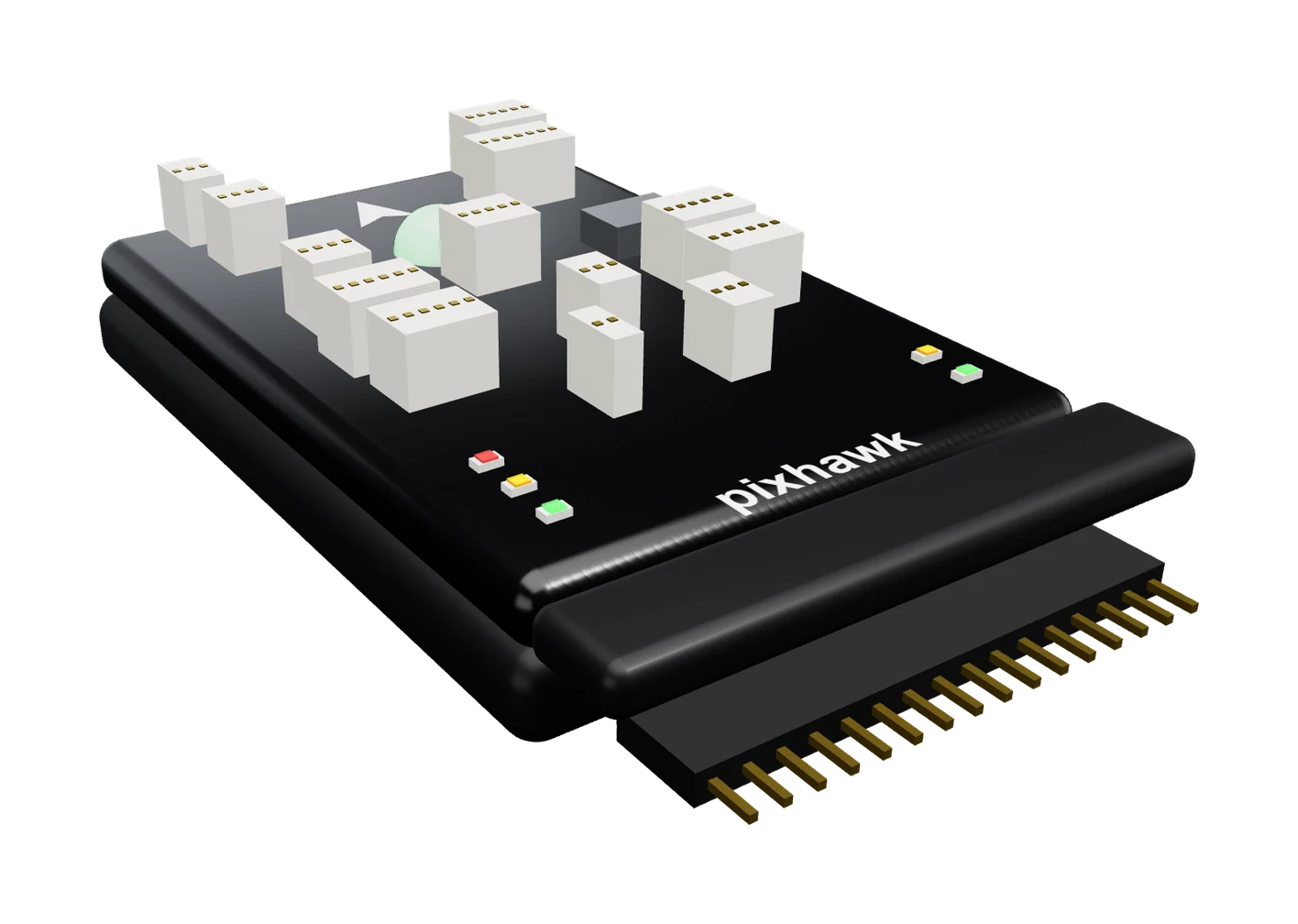 [01]
[01]Pixhawk 1 / 2.4.8
50 x 81.5 x 15.5 mm
ArduPilot Copter or PX4
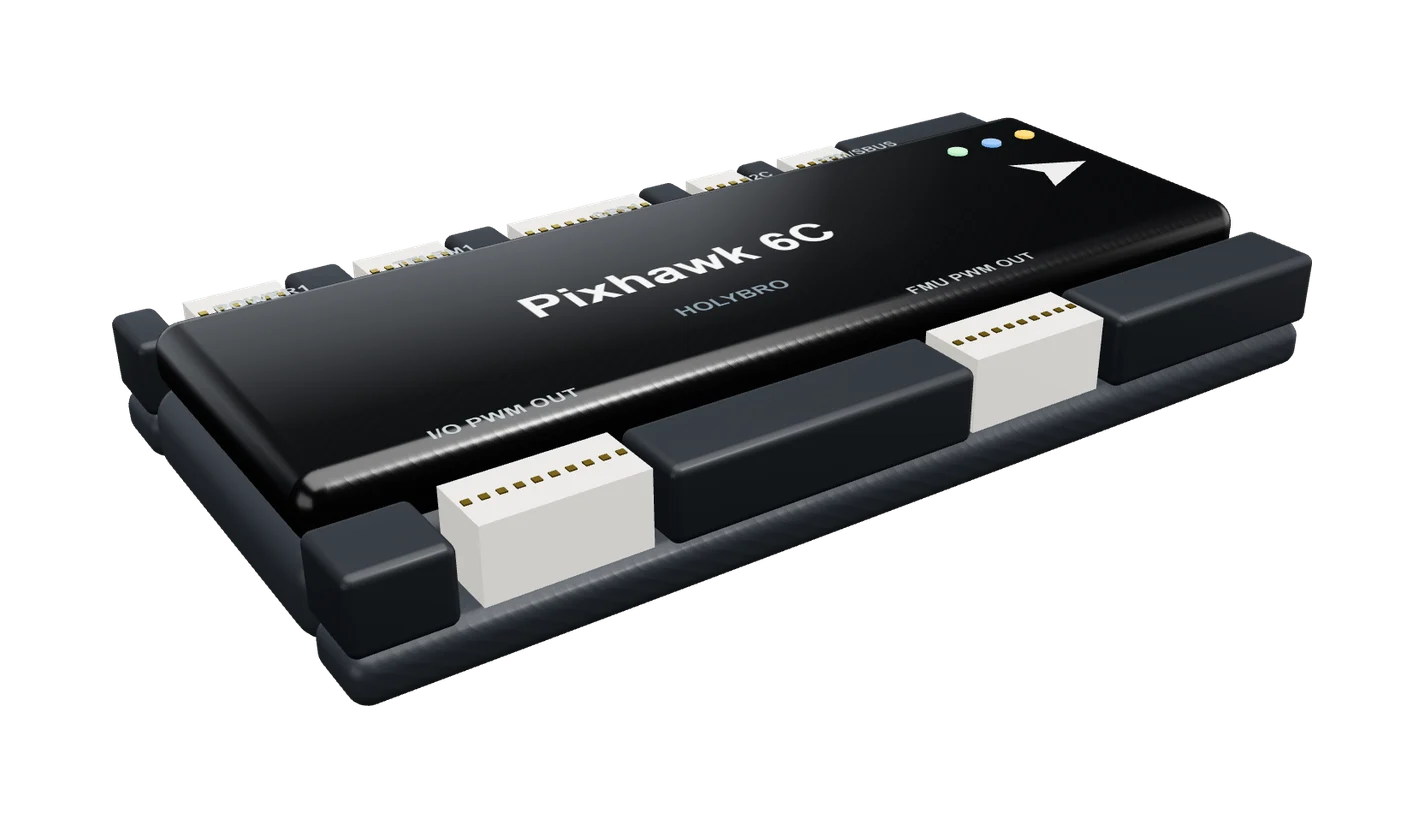 [02]
[02]Pixhawk 6C
84.8 x 44 x 12.4 mm, 59.3 g
ArduPilot Copter or PX4
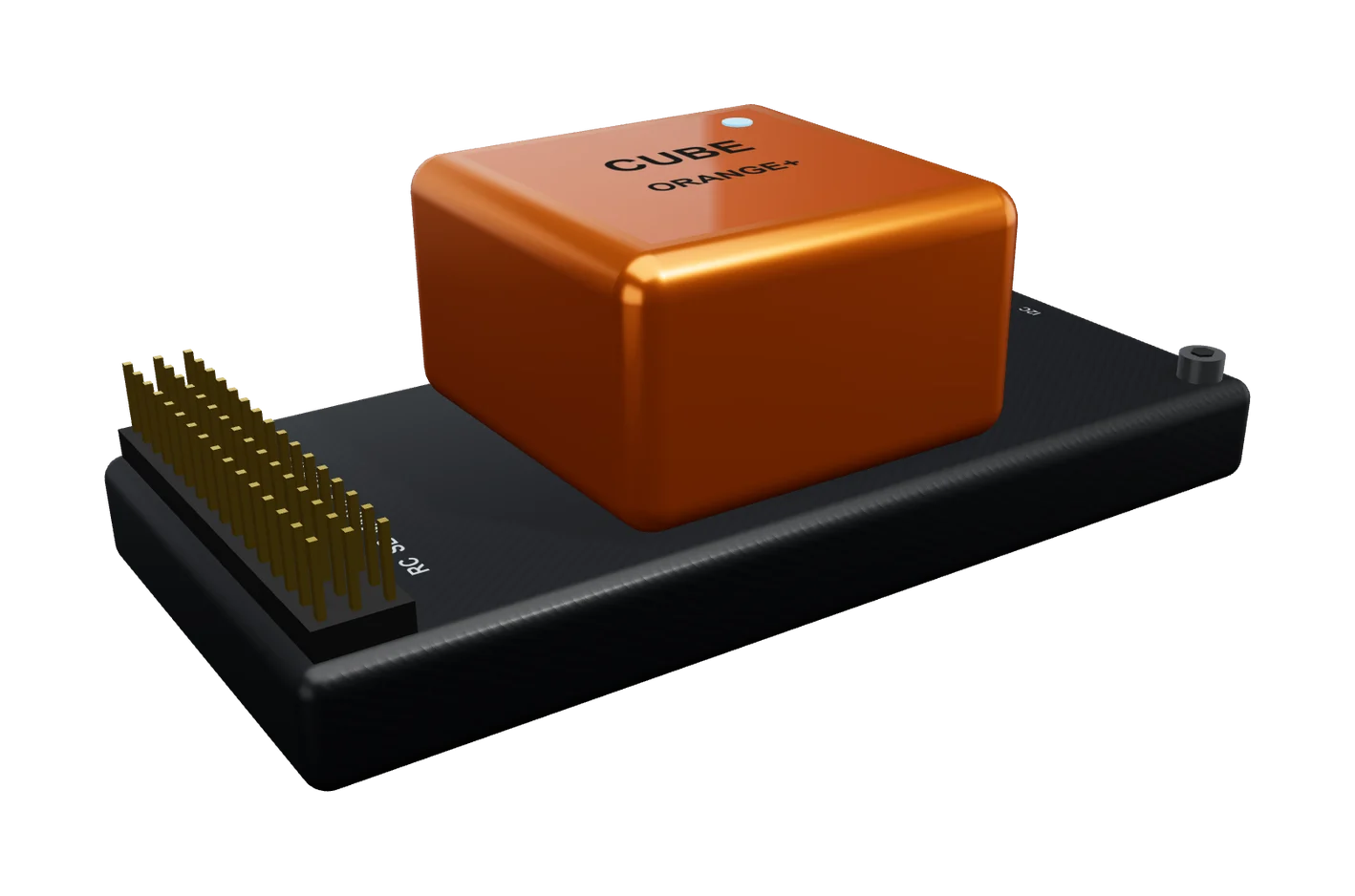 [03]
[03]Cube Orange+
Cube 38.25 mm on its carrier
ArduPilot Copter or PX4
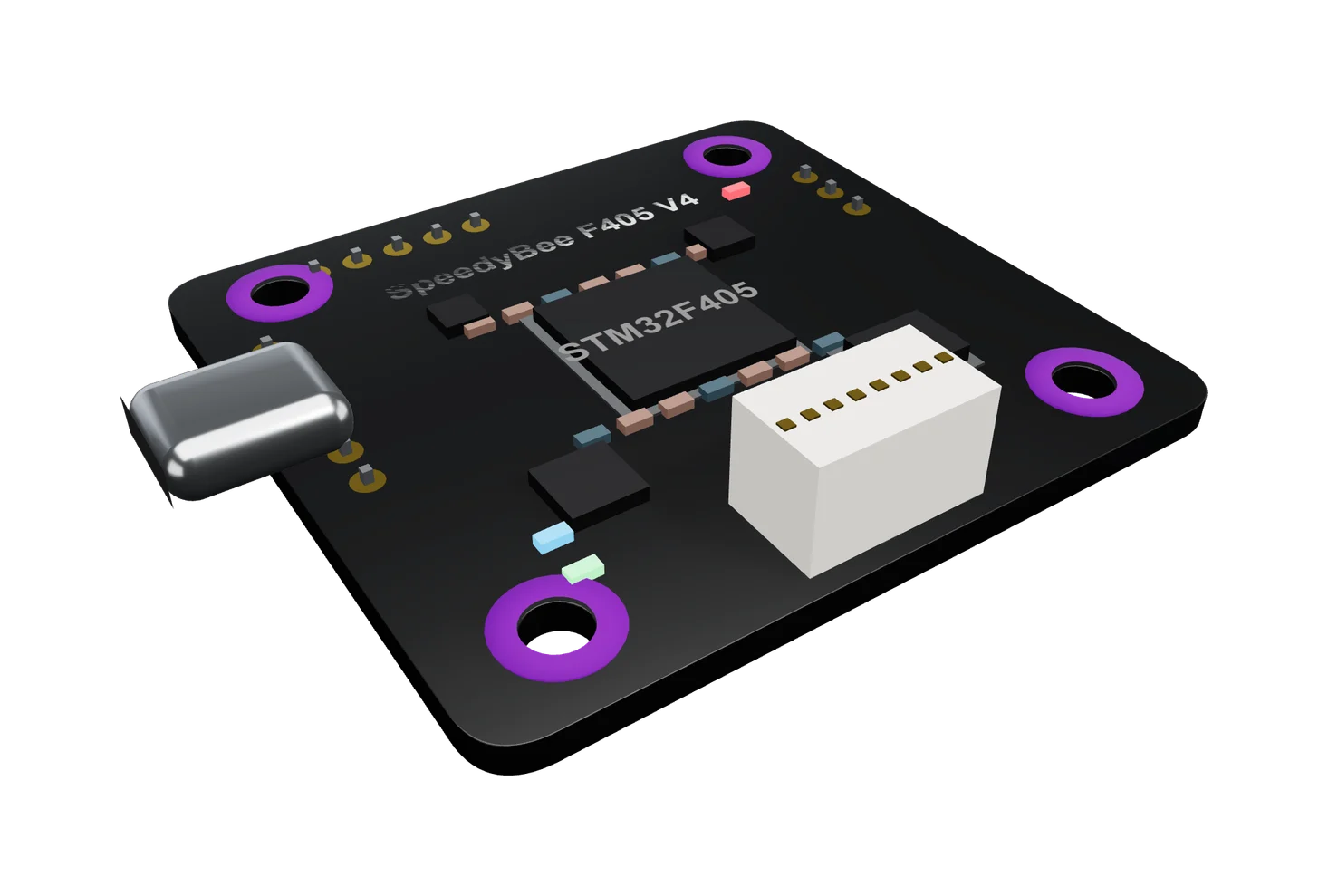 [04]
[04]SpeedyBee F405 V4
F405, 30.5 mm stack
With a 4-in-1 ESC
 [05]
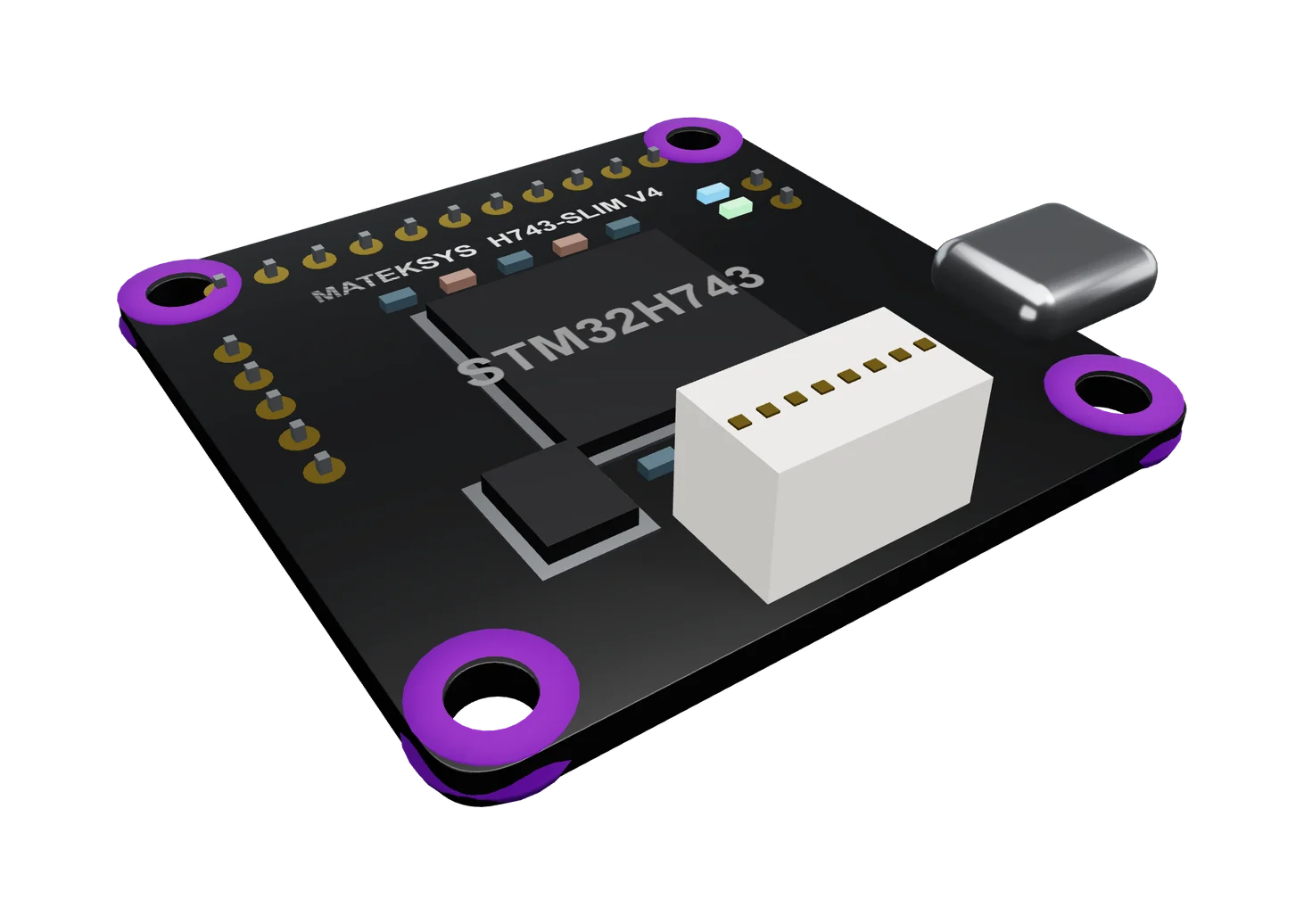
[05]Matek H743-SLIM V4
H743, 36 x 36 mm, 7 g
With a 4-in-1 ESC
[04] Parts
Every part, then the finished quad
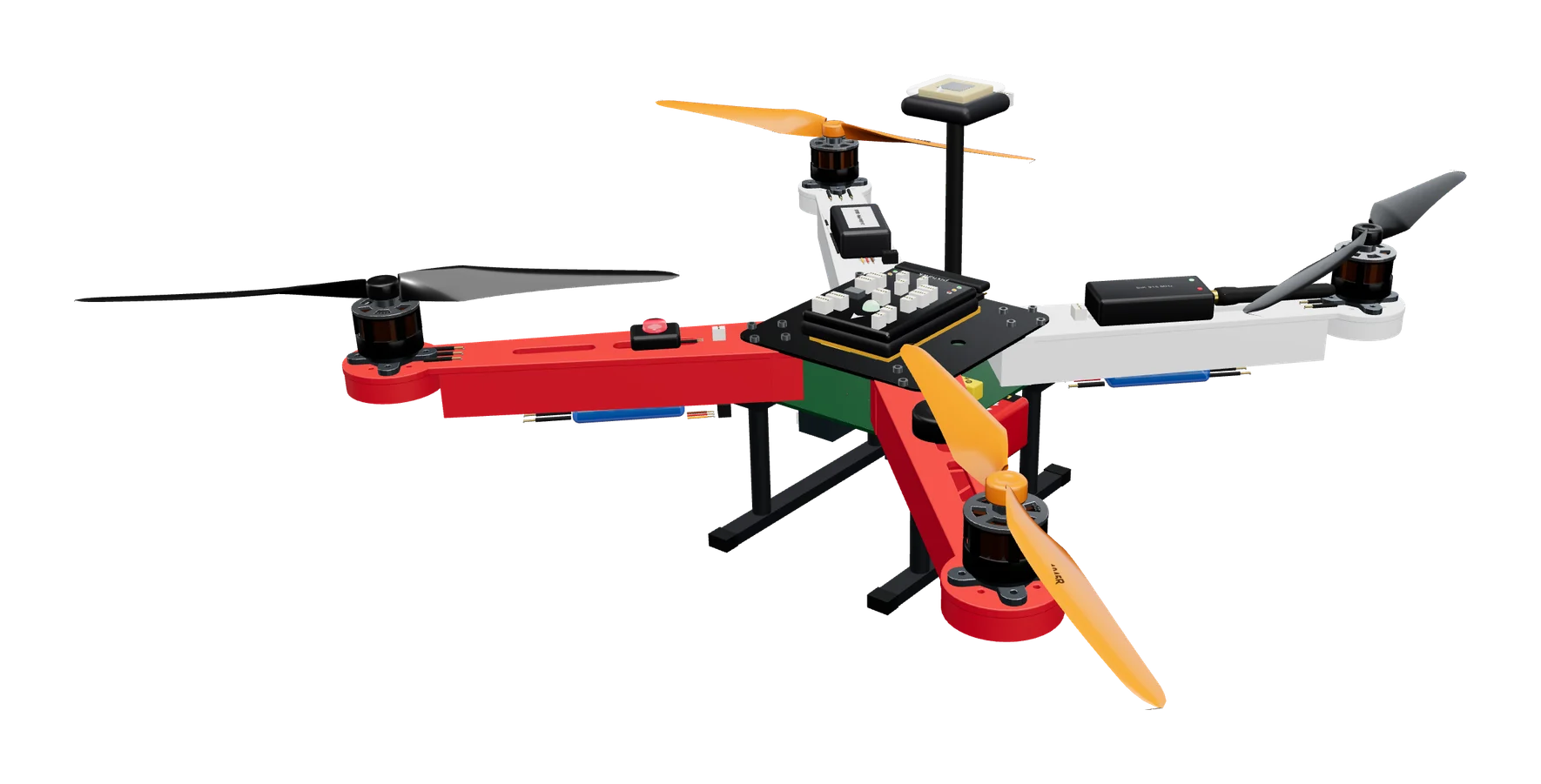
Frames, motors and props as they come out of the box, and the quad they make, its wiring tied in under the frame.
 [01]
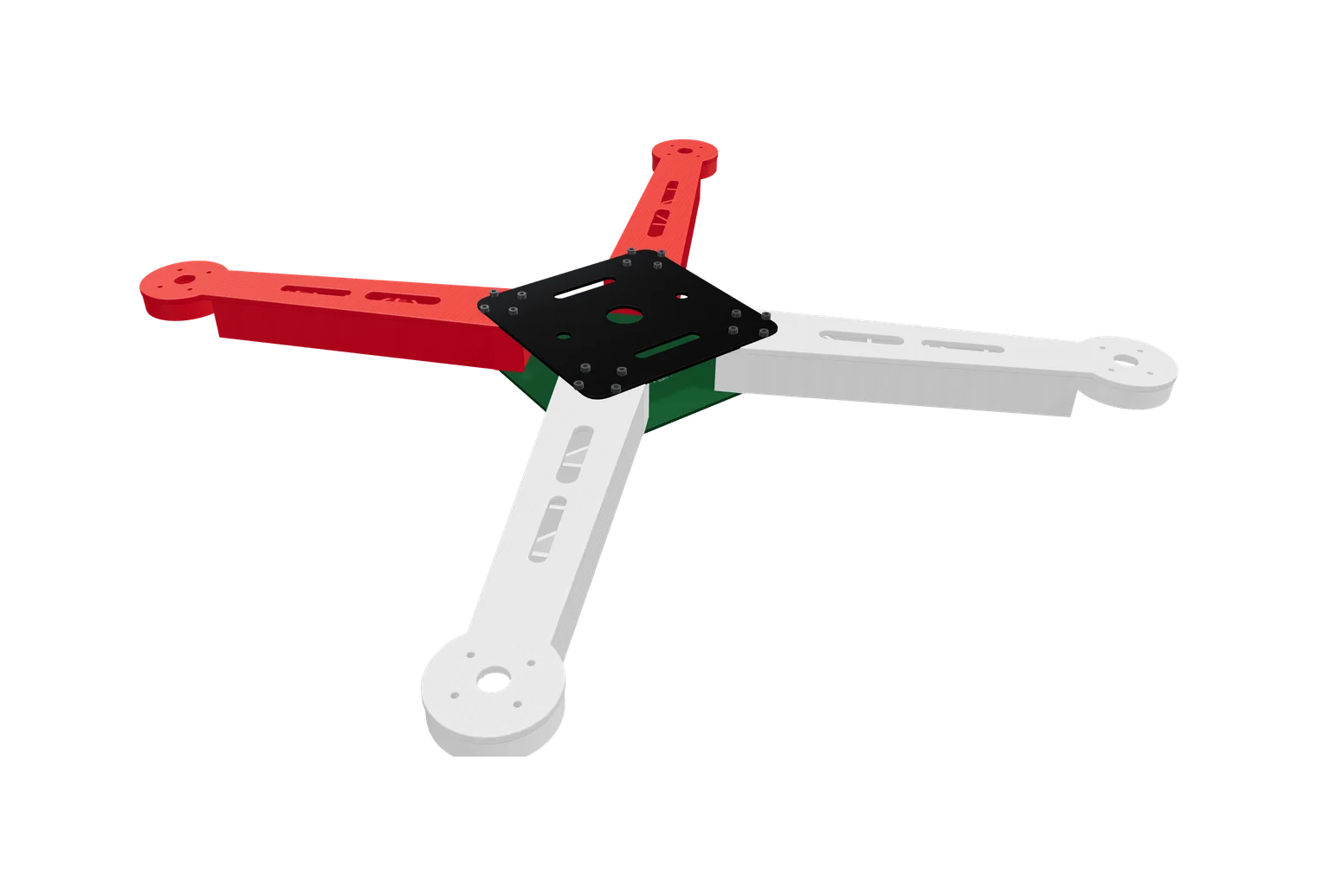
[01]F450 quad frame
Glass-fibre plates; the lower one is the power board
 [02]
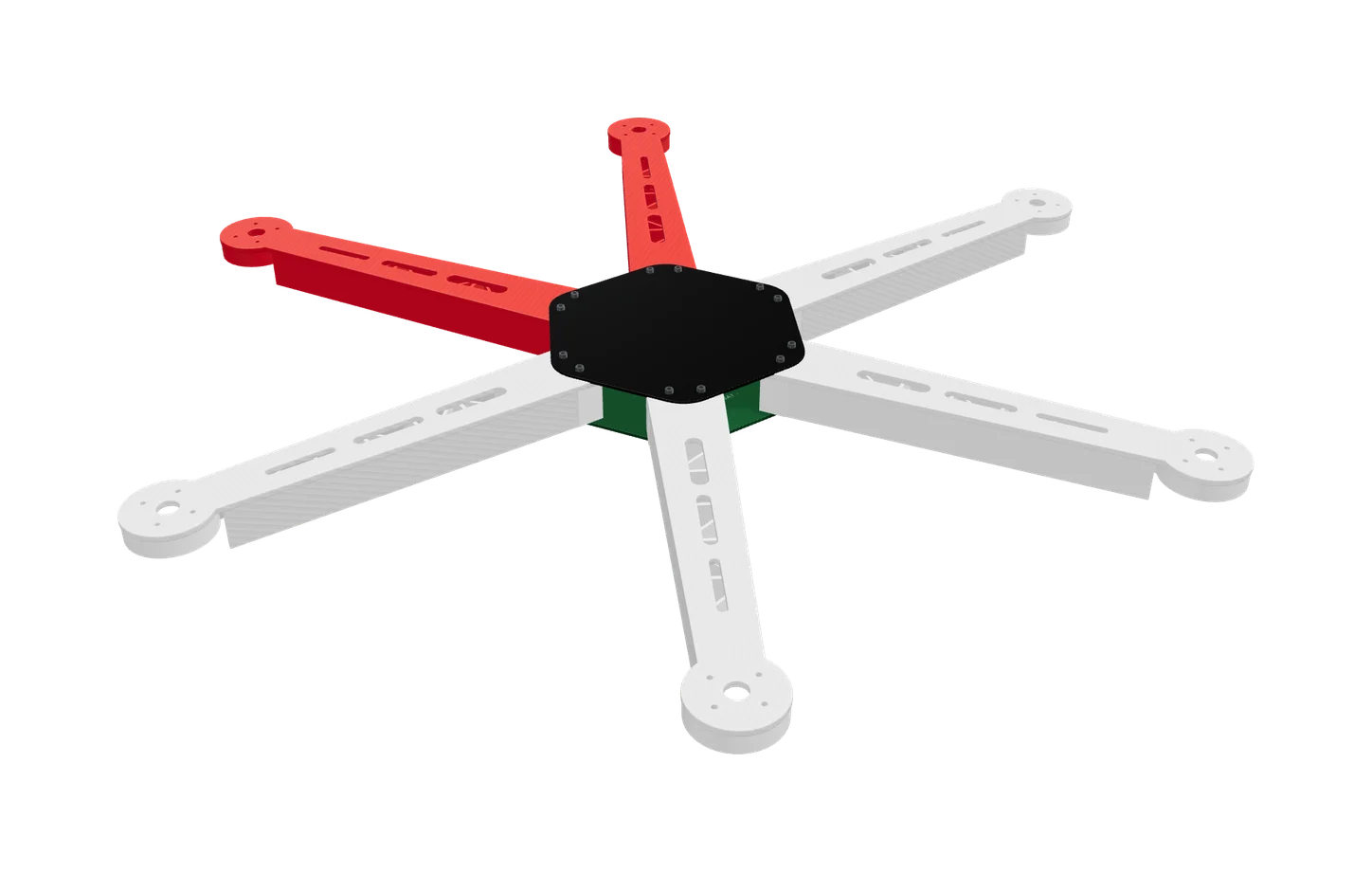
[02]F550 hexa frame
The F450's six-arm sibling
 [03]
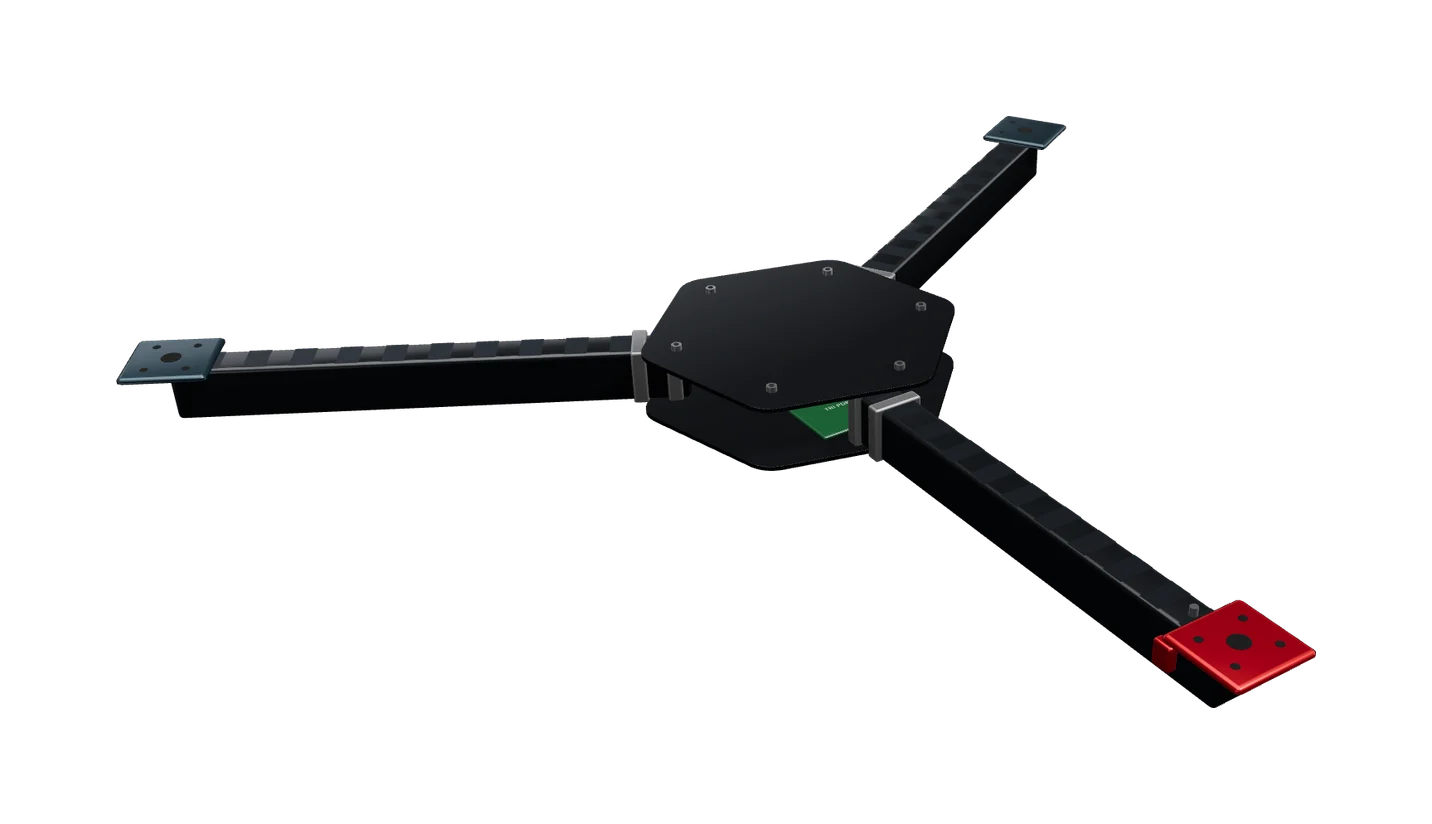
[03]Tricopter Y frame
Carbon tubes, tilting tail mount
 [04]
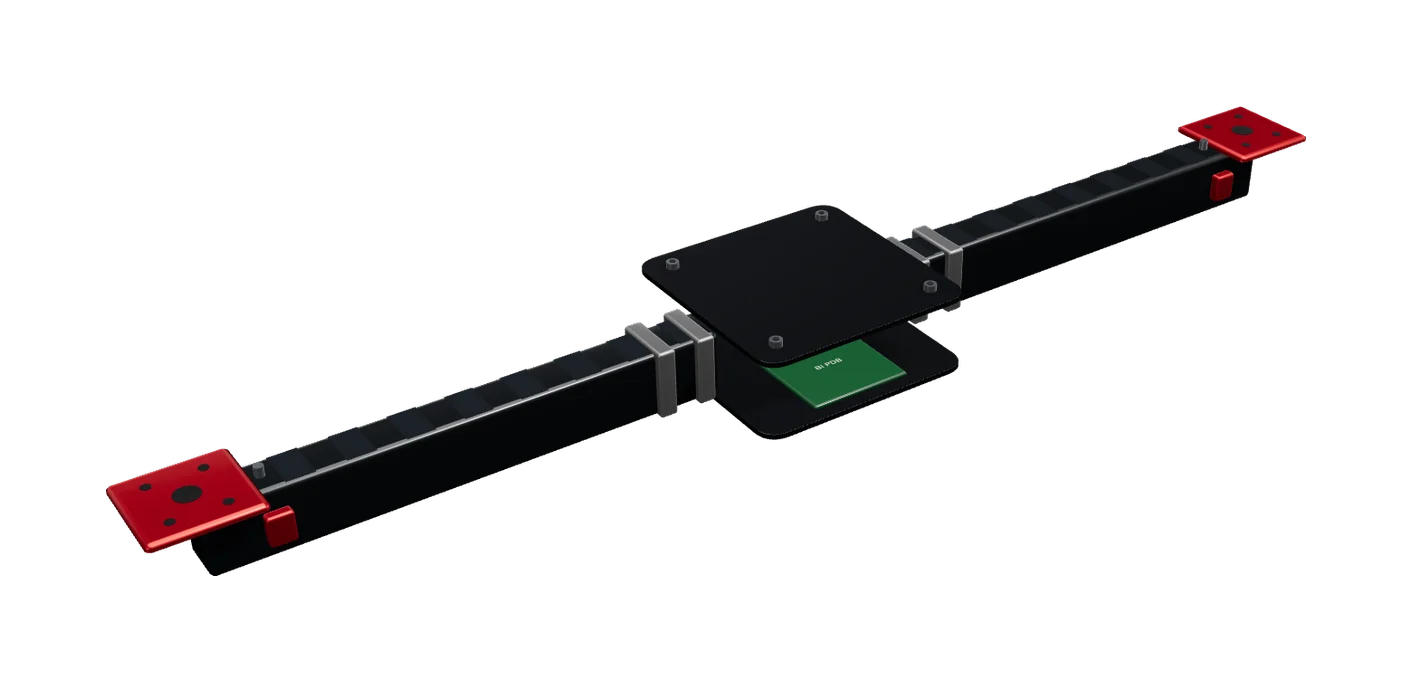
[04]Bicopter frame
Two tilt mounts, one per motor
 [05]
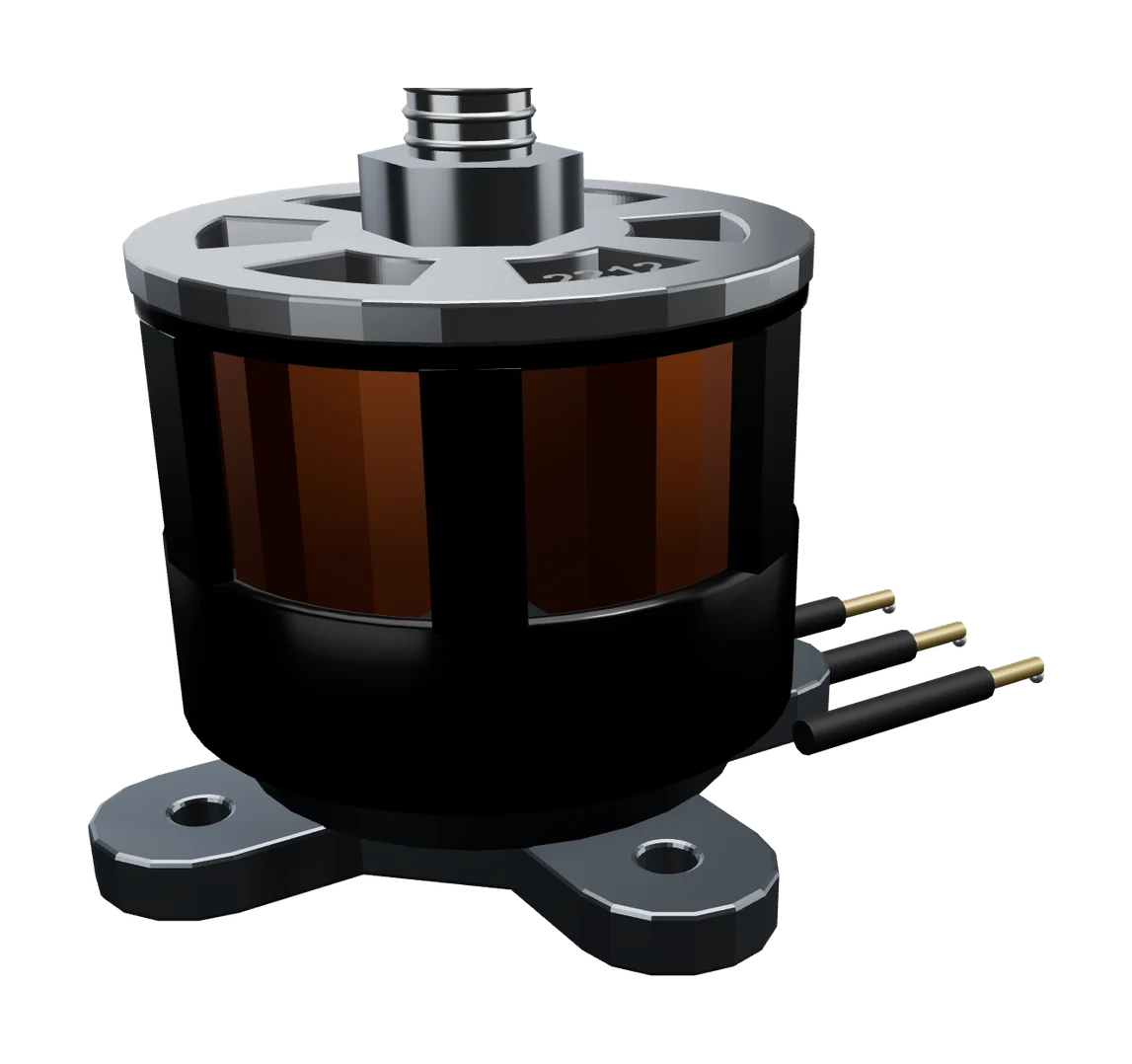
[05]2212 920 KV motor
Brushless outrunner, 28 mm bell
 [06]
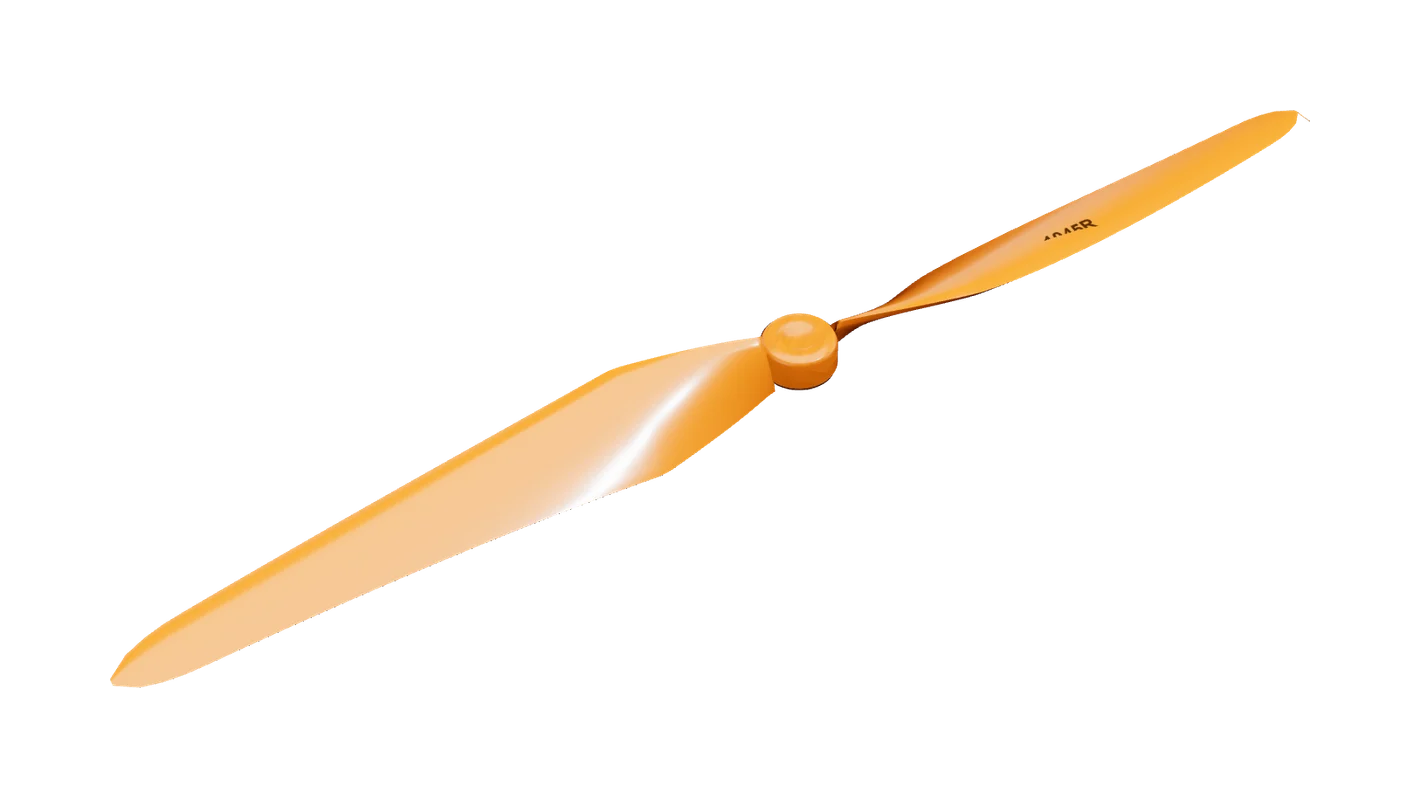
[06]Propeller 1045R (CW)
10 x 4.5 in, reverse pitch
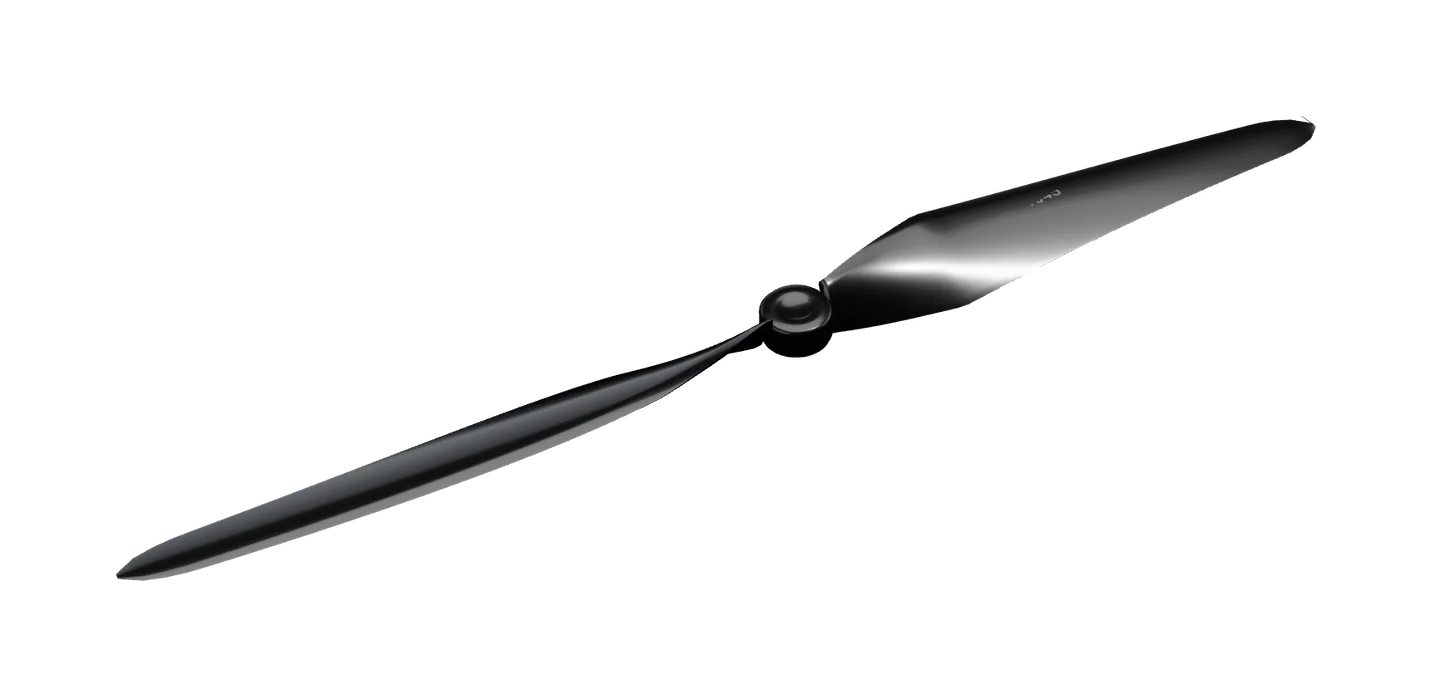 [07]
[07]Propeller 1045 (CCW)
10 x 4.5 in, standard pitch
[05] Step by step
How it goes
- [01]Design the frame on the dot sheet, or start from the F450 preset
- [02]Cut each plate segment by segment and smooth the edges
- [03]Drill every hole to the ISO 273 clearance for its screw
- [04]Assemble arms, boards and motors, torqued to spec
- [05]Solder the power board: ESC leads and the battery pigtail
- [06]Wire the Pixhawk, receiver, ESCs, motors and LiPo
- [07]Run the power-on check, then fly it in the physics sim
[06] Specification
What goes on the frame
| Frame | F450-class: two boards, four arms, motor mounts |
|---|---|
| Flight controller | Pixhawk-class, with IMU |
| Propulsion | Four brushless motors, CW and CCW, with ESCs |
| Power | 3S/4S LiPo through a power module to the power board |
| Check | A power-on trace that names the part and the wire that stops it flying |
[07] Standards
Marked against
- [01]ISO 273 clearance holesClearance hole sizes for every screw you drill for
- [02]ISO 4762 cap screwsSocket head cap screws that hold the frame together
- [03]ISO 2768-1 tolerancesGeneral tolerances your cuts are measured against
- [04]NASA-STD-8739.3 solderingSoldering the power board
[08] Courses
Courses
Robotics
[01]Drone Design and Assembly for Beginners
A complete, hands-on start in drones. You take an F450 quadcopter apart in 3D, meet every part in 2D and 3D (the Pixhawk flight controller, the power module, ESCs, brushless motors, props, GPS, radios and the LiPo pack), and learn how four spinning propellers hold a drone up and steer it. You learn the STEM Engine one tool at a time, then build the drone yourself: the power chain, the ESCs and motors, a fault-find, the ArduPilot parameter file, and a pre-flight check. Then you fly it in the Physics Sim: a hover, a waypoint circuit, and the missions real drones fly: geofencing, parcel drops, search and rescue, auto-charging and reconnaissance. Seven assignments in the STEM Engine take you from an empty board to a hand-wired quad flying a reconnaissance mission, each one graded on the server. **Launch offer:** buying the course upgrades your account to Premium for 1 month and unlocks every Physics Sim mission module. To go further, from designing and fabricating your own frame to FPV stacks and other airframes, continue with **Advanced Drone Design and Assembly**.
69 lessons, 1 free to try ·
Open a free lesson →
[09] More builds
Build something else
Start today
Cut your first plate today
Create an account and open the Workshop in your browser, then take a short course to go further.