

← All courses
3D Printing: Set Up and Print
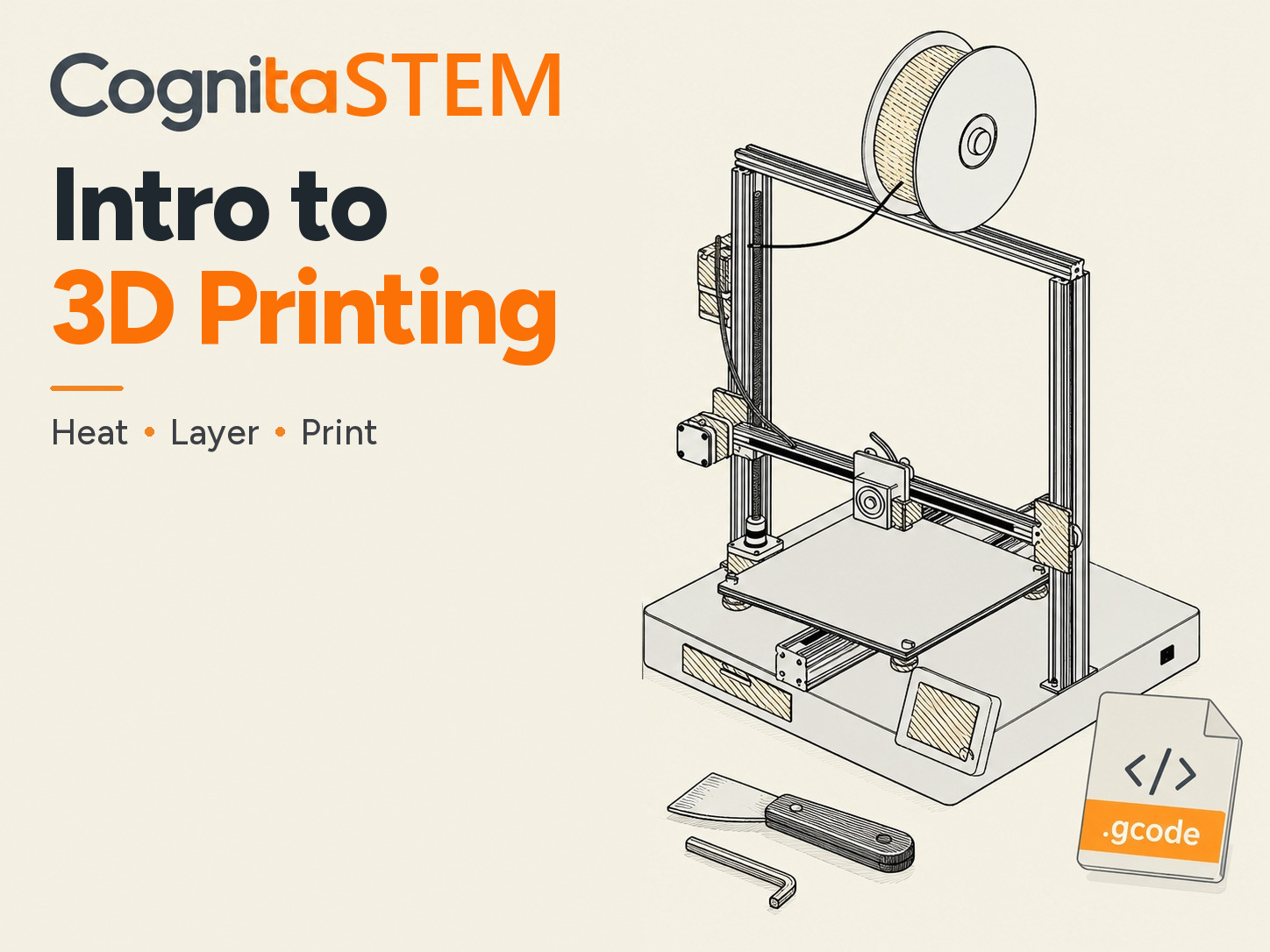
The next step after Intro to 3D Printing. You set up a real desktop printer on its 3D digital twin: home it, heat it for PLA, load the filament and level the bed with the paper test. Then you print three parts of your own. Watch a box, a pyramid and a sphere grow layer by layer, look inside them with the layer slider, and learn why the sphere needs supports. Every clean print goes to your Workshop bench, where you add it to an assembly. For anyone 13 and up. **Free with Premium:** this course is not sold on its own. Every Premium member can take it.
10 lessons · Free with Premium
What you will learn
- 1. Set up the printer
- The printer's 3D twin Free5 min
- Home the printer4 min
- Heat it and load the filament6 min
- Level the bed: the paper test8 min
- The first layer6 min
- 2. Print your first parts
- Print a box6 min
- Print a pyramid6 min
- Print a sphere: supports8 min
- From printer to bench6 min
- Set Up and Print quiz5 min